
Speed in the AI Era: How I Built Three Products in Weeks
In the past, launching a software product took months of engineering. Here is how I designed, built, and shipped three digital products in weeks using AI.
For a long time, the journey from product idea to production launch was a marathon. If you were a solo developer, building a software product meant committing to weeks of boilerplate setup: configuring databases, setting up authentication, writing API routing endpoints, building responsive layouts, and writing validation scripts.
By the time you reached the point of coding your core unique value proposition, you were already exhausted.
But in mid-2026, the velocity of building has fundamentally shifted. Over a four-week period, I designed, built, and shipped three distinct web applications:
- SentryPost: An automated social media scheduler that optimizes dispatch times using audience engagement logs.
- Tabulate: A database utility that parses PDF receipts and maps the items directly into structured expense sheets.
- DailyList: A minimal newsletter aggregator that summarizes daily email updates into a single dashboard.
I am not a 10x developer, and I didn't write this software by working 100-hour weeks. Instead, I used a standardized stack (Next.js, TailwindCSS, and Supabase) and delegated the entire boilerplate, layout, and integration logic to AI coding agents.
Here is a retrospective on the workflow, architecture, and developer lessons learned from building at the speed of thought.
The Standardized Stack: Blueprinting for Speed
To build quickly with AI, you must eliminate architectural variety. If you switch database providers, backend frameworks, or CSS approaches between projects, your AI coding agents will get confused. They will mix up conventions, leading to a massive increase in compiler errors.
I standardized on a single, clean stack for all three products:
- Framework: Next.js (App Router, TypeScript)
- Styling: TailwindCSS (for rapid utility layouts)
- Database & Auth: Supabase (PostgreSQL with built-in email auth)
- Deployments: Vercel (for automatic preview deployments)
+-------------------------------------------------+
| Next.js App Router (TypeScript)                 |
|                                                 |
| [Frontend UI: Tailwind]  <-->  [Backend API]    |
|                                     |           |
|                               (Supabase Client) |
|                                     v           |
|                              [Supabase DB /     |
|                               Authentication]   |
+-------------------------------------------------+
By keeping the stack identical, the model context stayed aligned across all projects. I could reuse database schemas, client wrappers, and authentication guards from one repository to another. When I spun up a new project terminal and said, "Set up Supabase authentication client wrappers," the AI generated the exact wrappers that matched my previous codebase conventions.
Stage 1: Schema Drafting and Database Setup
The first bottleneck in launching an app is database design. Before writing any UI, you must define tables, keys, and foreign relationships.
Instead of writing SQL by hand, I designed my database schemas using simple markdown tables. For example, for SentryPost, I drafted this description:
Tables:
- users: id (uuid), email (text), tier (text)
- schedules: id (uuid), user_id (ref users), title (text), content (text), send_at (timestamp), status (enum)
- metrics: id (uuid), schedule_id (ref schedules), impressions (int), clicks (int)
I passed this table to my terminal agent and ran the following query:
claude -p "Generate the PostgreSQL migration scripts for Supabase matching this schema definition. Include row-level security (RLS) policies allowing users to only read and write their own data."
Within seconds, the agent generated the migration SQL:
-- Create schedules table
CREATE TYPE schedule_status AS ENUM ('draft', 'scheduled', 'sent', 'failed');

CREATE TABLE public.schedules (
    id UUID DEFAULT gen_random_uuid() PRIMARY KEY,
    user_id UUID REFERENCES auth.users(id) ON DELETE CASCADE NOT NULL,
    title TEXT NOT NULL,
    content TEXT NOT NULL,
    send_at TIMESTAMP WITH TIME ZONE NOT NULL,
    status schedule_status DEFAULT 'draft'::schedule_status NOT NULL,
    created_at TIMESTAMP WITH TIME ZONE DEFAULT timezone('utc'::text, now()) NOT NULL
);

-- Enable Row Level Security
ALTER TABLE public.schedules ENABLE ROW LEVEL SECURITY;

-- Create policy for select
CREATE POLICY "Users can view their own schedules"
    ON public.schedules FOR SELECT
    USING (auth.uid() = user_id);

-- Create policy for insert
CREATE POLICY "Users can insert their own schedules"
    ON public.schedules FOR INSERT
    WITH CHECK (auth.uid() = user_id);
By generating migration files and RLS policies in one prompt, I cut hours of manual SQL writing. RLS is notoriously tricky to write by hand without syntax errors, but the AI, trained on thousands of Supabase configurations, handled the policies correctly.
Stage 2: Rapid UI Design with Tailwind and Flexbox
Once the database was set up, I shifted to the user interface. Designing layouts from scratch can be a slow process, especially when adjusting flex wrap, padding ratios, and dark mode classes.
I used a "layout drafting" approach. I wrote a semantic description of the interface layout:
Create a dashboard shell layout for SentryPost.
- Sidebar: Navigation items (Dashboard, Schedules, Analytics, Settings). Profile card at bottom.
- Main Area: Header with breadcrumbs and 'Create New' button.
- Grid: 3 metric cards (Scheduled Posts, Sent Posts, Success Rate %).
- List: A clean data list showing scheduled posts with status badges.
I passed this layout request to the AI, and it returned a highly optimized React component containing the Tailwind layout structure. By describing what should appear on the screen rather than how to write the CSS classes, I let the AI handle the layout adjustments.
If a button alignment looked incorrect, I didn't search for CSS flexbox rules. I simply highlighted the block in my editor and asked: "Align this button to the far right of the card, vertical middle, matching the height of the sibling input." The AI updated the Tailwind utility classes instantly.
Actionable Rapid-Building Strategy
If you want to build and launch products at this speed, you must change your development habits:
- Use a Boilerplate Repository: Do not run
create-next-appfrom scratch for every project. Maintain a private template repository that already has Supabase auth client setup, standard navigation components, payment hooks, and metadata layouts initialized. - Test Database Operations Early: Before writing the UI, write local scripts to insert and read dummy records. Verify that your database constraints, schemas, and API routes work before building visual forms.
- Avoid Over-Engineering: Do not implement complex caching, queue systems, or scalable clusters for your MVP. Use basic SQL triggers, simple cron jobs, and basic database rows to store queues until you have validated customer demand.
- Iterate via Feature Flags: If a feature is difficult to finalize, wrap it in a feature flag or disable the UI link. Focus on shipping the core loop first.
Future Outlook: The Solopreneur Startup
In the future, the cost of software development will continue to approach zero.
A single developer with an understanding of system architecture and customer needs will be able to build and run a portfolio of web applications that previously required a venture-backed startup. The competitive advantage in tech will shift away from coding capacity toward market insight, customer validation, and distribution channels.
The successful developer of the future will not be the one who writes the cleanest manual code loops; they will be the one who can identify problems, design systems, and direct AI agentsAI AgentAn autonomous software entity that perceives its environment through sensors, makes decisions, and executes actions using tools.Read More → to build stable solutions in record time.
Internal Links
- To see how terminal-native agent tools speed up multi-file updates, check out Claude Code vs Cursor: A Builder's Deep Dive.
- Learn about standardizing your database and API adapters in MCP Will Become the USB-C of AI Applications.
- To maintain repository clean code and avoid compiling bugs during rapid development, review Principles of Maintaining Code Quality with AI.
External References
- Review database setups and RLS guidelines on the Supabase Documentation Blog.
- Explore page layouts and deployment optimization on the Vercel Blog.
- Read about rapid prototyping and software velocity on the GitHub Blog.
What changed my perspective
I used to believe that starting a software company required a co-founder, a seed funding round, and months of engineering iterations. I spent all of 2023 writing design docs for a SaaS idea, debating frameworks, and optimizing a local database model that never saw a single real user. I was paralyzed by the complexity of the execution.
When I started my 4-week experiment, I committed to building only with a pre-configured stack and letting my coding agents write the code. I forced myself to launch each app as soon as the core user path worked, even if the settings page was empty.
Watching my first product go live on Vercel after only six days of development changed my entire worldview. Real users started registering, sending feedback, and requesting features.
I realized that the code we write in our editors is just an implementation detail; the value is in the loop between user feedback and product updates. By letting AI handle the execution details, I stopped acting like an editor formatter and started acting like a product owner. I shipped more code in a month than I had in the previous two years, and for the first time in my life, I was building in real-time.
Revision History
Case study of shipping three products in weeks with AI.
- •Published multi-product shipping narrative
Knowledge Relationships
Referenced By
These articles mention this article
Idea Evolution
Ask DailySay
Related Posts



Continue Reading
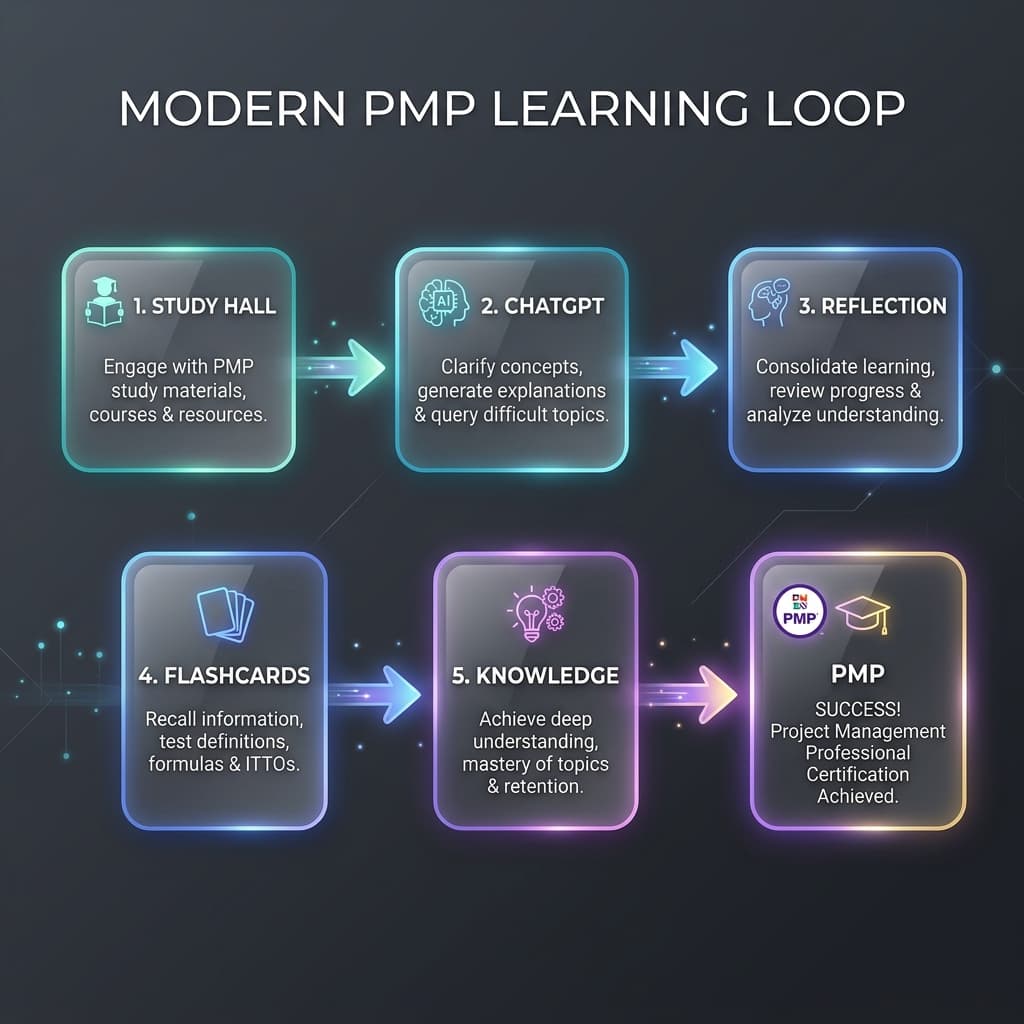
AI Didn't Help Me Pass PMP. It Changed How I Learn
How I shifted from using AI as an answer machine to a cognitive partner, building a robust learning feedback loop for the PMP exam and future knowledge systems.
Notes worth keeping.
Occasional updates about project management, AI, products, travel, and the things I’m building.
No spam — occasional notes only. See our Privacy.