
How I Build Products Alone with AI: From Idea to Launch
A practical process for using AI across research, planning, development, testing, and launch while keeping product judgment and responsibility human.
Building a product once required several people with different specialties. AI now lets one person move quickly between customer research, planning, design, development, testing, and documentation. That does not mean AI replaces an entire team. It means the solo builder carries more judgment—and more responsibility.
For me, the value of building a product alone with AI is not simply generating code faster. It is narrowing the problem, removing work that does not matter, and shortening the distance between an idea and a real user. This is the process I follow from the first problem statement to an MVP launch and the first useful feedback.
AI is an accelerator, not a co-founder
Ask an AI tool for startup ideas and it will produce a polished list in seconds. The problem is that the list does not know my experience, the users I can reach, the time I have, or the risks I can afford.
I do not treat AI as a co-founder. I use it as several assistants with narrow roles.
- Research assistant: maps a market and groups competing approaches.
- Product assistant: organizes requirements and questions missing assumptions.
- Development assistant: implements small changes and explains the code.
- Testing assistant: proposes failure cases and test scenarios.
- Editorial assistant: improves onboarding, landing-page copy, and documentation.
I keep the final decision with me. Without that boundary, output accelerates while the product quietly expands in the wrong direction.
1. Define the problem in one sentence
Before I build anything, I complete this sentence:
Help [a specific person] reduce [a concrete problem] in [a real situation] by [a clear approach].
“Build an AI task manager” describes a solution, not a problem. “Help solo business owners running several projects choose today’s essential work in five minutes” gives me a user, a situation, and an outcome.
At this stage, I do not ask AI to invent the answer. I ask it to attack the gaps in my sentence.
- Does this problem happen frequently?
- How does the user solve it today?
- Is the pain strong enough to justify changing behavior?
- Can I define a narrower first user?
- Which assumption can I test without building a product?
A strong starting point is not an idea with many answers. It is an idea with clear questions.
2. Research with AI, then verify with people
AI is fast during early research. It can group competitors, outline user segments, and draft interview questions. But its summary should never be mistaken for market evidence.
I separate findings into three layers:
- AI-generated hypotheses — useful possibilities that remain unverified
- Directly checked sources — product pages, pricing, reviews, and public documentation
- User experience — interviews, observation, and actual behavior
Product direction becomes more reliable as it moves toward the third layer. When possible, I ask five potential users about the same problem. “How did you handle this the last time it happened?” is more useful than “Would you use this feature?” Past behavior is stronger evidence than future intent.
3. Write a one-page product brief
After research, I create a one-page product brief instead of a long specification. It contains only what I need to make the next decision.
| Field | What to write |
|---|---|
| User | The single type of user this version serves |
| Problem | A concrete, recurring source of friction |
| Promise | The one outcome that changes after use |
| Core flow | The actions from entry to useful result |
| Non-goals | Features this version will not include |
| Success signal | A behavior or number to check after launch |
| Risks | Privacy, cost, accuracy, and operational burden |
AI is useful for finding contradictions, missing edge cases, and vague language in this brief. The most important section is often non-goals. Solo products stall more often from excessive scope than from a lack of features.
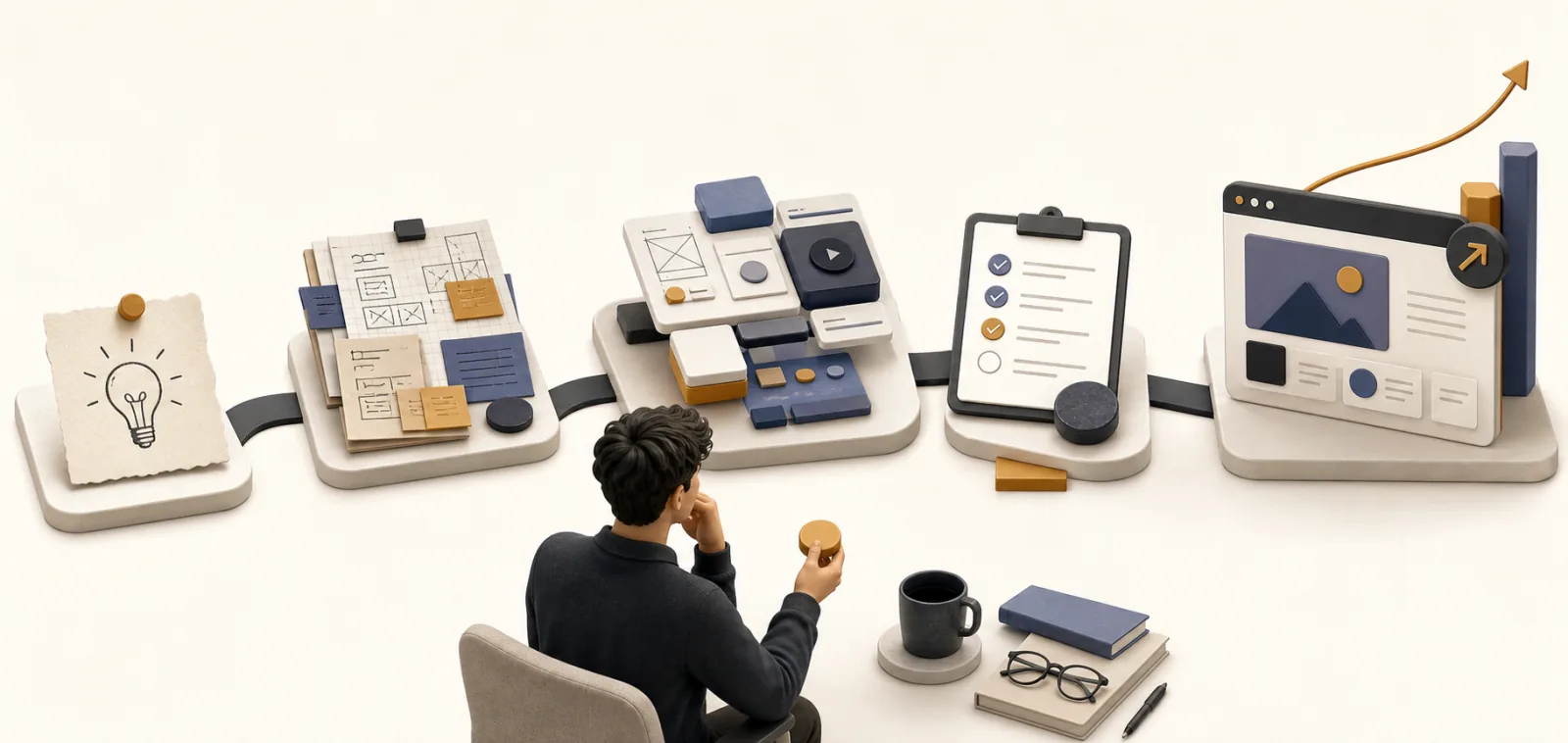
AI connects the stages faster, but the builder still decides when the product is ready to move forward.
4. Build the shortest useful MVP flow
An MVP is not a low-quality final product. It is the smallest product that can test the most important assumption. I usually limit the first version to four steps.
- The user arrives.
- The user provides the minimum input.
- The product creates its core result.
- The user saves the result or takes the next action.
Account settings, dashboards, notifications, billing, and admin tools can wait unless they are part of the core hypothesis. A clickable prototype or a manual service may be enough. Sometimes producing the result by hand for five users teaches more than writing the first thousand lines of code.
AI makes adding features easier. That is precisely why I need a stronger deletion rule. I do not ask, “Can I build this?” I ask, “Can I test the hypothesis without it?”
5. Give AI small, reviewable development tasks
“Build the whole app” may generate a lot of code quickly, but it also creates a system that is difficult to review. I divide the work into one screen, one user action, or one data flow at a time.
Every implementation request includes four parts:
Goal: Let a user sign in with an email address.
Current state: Explain the framework and relevant files.
Constraints: List the architecture, security rules, and files that must not change.
Done: Define the success path, failure path, and tests to run.
When code is generated, I do not immediately move to the next feature. I read the changed files, run the product, and inspect the failure paths. Code I cannot explain is code I cannot maintain. If the explanation is weak or the tests are unstable, I reduce the task further.
My AI-assisted development sequence
- Give AI the current structure and the goal.
- Ask for an implementation plan and file list first.
- Apply one small change at a time.
- Run type checks, linting, tests, and the production build.
- Verify the real user flow in a browser.
- Record why the change was made and what remains risky.
This process shifts my time away from rewriting generated code and toward review, product judgment, and validation.
6. Do not delegate testing and security
AI can propose tests and spot suspicious code, but “I found no problems” is not a guarantee. Authentication, payments, personal data, file uploads, and third-party APIs require deliberate human review.
Before launch, I check at least the following:
- Test empty input, invalid values, duplicate requests, and failure states.
- Confirm that secrets and personal information do not appear in the browser or logs.
- Verify that one user cannot access another user’s data.
- Design the experience for a wrong or unavailable AI response.
- Set usage limits and cost ceilings before demand grows.
- Check mobile layouts, slower networks, and basic accessibility.
7. Launch small and record real behavior
Launch is not the end of the process. It is the beginning of the most reliable research. I start with a small group of people who already experience the problem instead of broadcasting to everyone.
For an early launch, I care more about these behaviors than page views:
- Can users complete the core flow without an explanation?
- Do they reuse the output or share it with someone else?
- Where do they stop?
- Would they be disappointed if the product disappeared?
- Does willingness to pay appear in behavior, not only words?
AI can group interview notes and logs to reveal recurring patterns. I still avoid forcing different user opinions into one convenient conclusion. The next change should address the issue closest to the product’s central promise.
A seven-day solo product loop
A small experiment can fit into a one-week cycle.
| Day | Work | Deliverable |
|---|---|---|
| 1 | Narrow the problem and user | One-sentence problem statement |
| 2 | Research and talk to users | Three core hypotheses |
| 3 | Define the flow and non-goals | One-page product brief |
| 4–5 | Build the core flow with AI | Working MVP |
| 6 | Test quality, privacy, and security | Launch checklist |
| 7 | Release to a small group | Observations and next decision |
A good product will not be complete in seven days. But I can collect enough evidence to decide whether it deserves another week. That faster learning cycle is the most practical reason to use AI.
What AI can do—and what remains my job
Work I delegate actively
- First-pass classification and summarization
- Question lists and document drafts
- Repetitive code and test scaffolding
- Explanations of errors and debugging hypotheses
- Copy variations and translation drafts
- Organization of interview and meeting notes
Work I remain responsible for
- Choosing the problem worth solving
- Interpreting user words in context
- Setting quality, privacy, and security standards
- Verifying generated information and code
- Deciding what to remove and when to launch
- Owning the cost of failure and its impact on users
Frequently asked questions
Can a non-developer build a product with AI?
AI can help a non-developer create a prototype or operate a simple manual service. A production product that stores user data or accepts payments still requires an understanding of architecture, security, and operations. When the risk exceeds your knowledge, reduce the scope or ask a qualified person to review it.
Which AI tool should I choose first?
Choose the task before the tool. Identify the slowest part of your current process—research, writing, design, coding, or testing—and start with one tool that improves that step. A repeatable workflow matters more than connecting many tools.
Can I ship AI-generated code without changing it?
No. Review its behavior, dependencies, licensing, security, and error handling. Run the project’s checks and production build. Code you cannot explain becomes product debt, even when it appears to work today.
What is the most important metric for a solo product?
Early on, the number of people who solve the core problem matters more than total sign-ups. Look for users who complete the key action, return, share the result, or pay for the outcome.
The human still builds the product
AI gives a solo builder faster hands. It reduces the distance between research and implementation and makes unfamiliar roles easier to begin. It does not automatically create direction, user understanding, or the courage to launch.
The best solo product is not the one with the most AI features. It is the one that selects a small problem precisely, reaches a real user quickly, and turns what it learns into the next version.
I treat life as an ongoing project. Product building works the same way: release a small version, record the result, and make the next decision instead of waiting for a perfect plan. AI does not own that project. It simply helps me run the cycle faster.
Revision History
Seven-step guide for solo product building with AI.
- •Published idea-to-launch process
Knowledge Relationships
Referenced By
These articles mention this article
Idea Evolution
Ask DailySay
Related Posts

Continue Reading
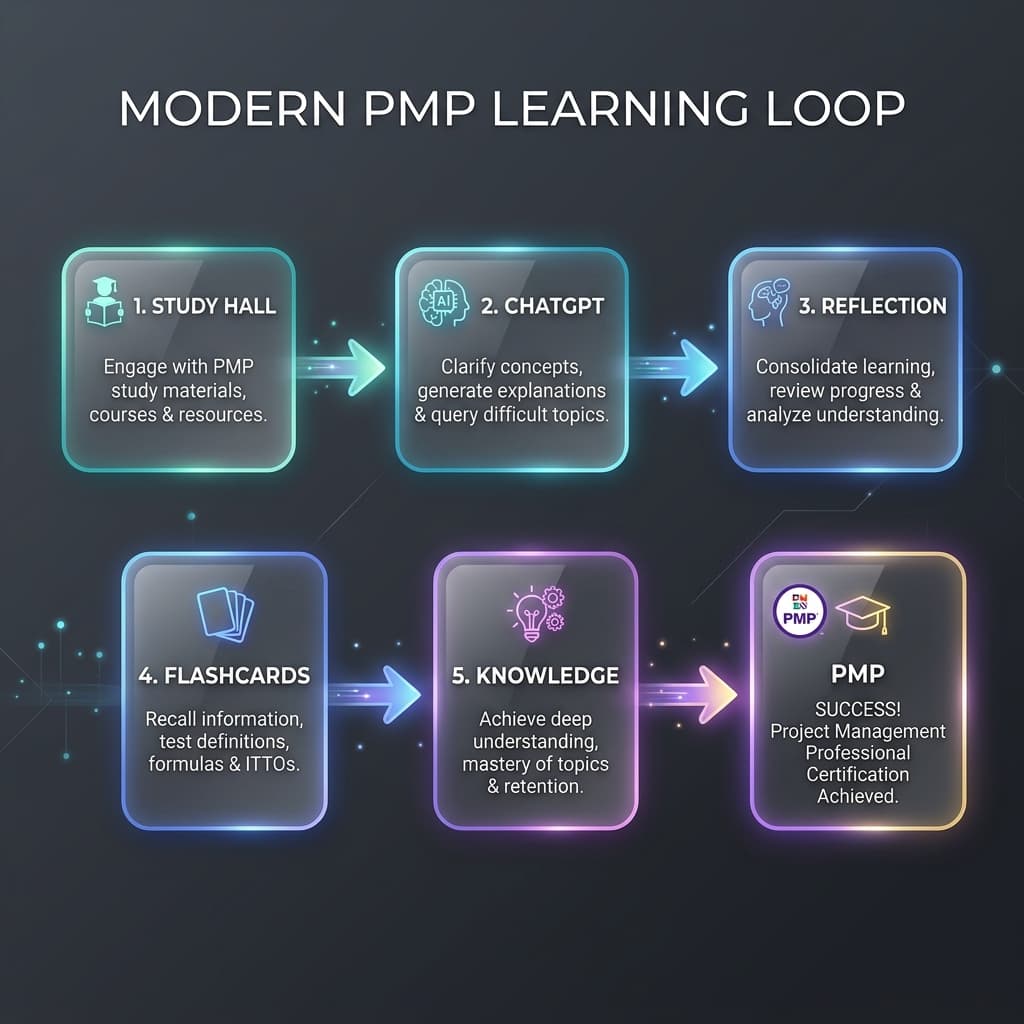
AI Didn't Help Me Pass PMP. It Changed How I Learn
How I shifted from using AI as an answer machine to a cognitive partner, building a robust learning feedback loop for the PMP exam and future knowledge systems.
Notes worth keeping.
Occasional updates about project management, AI, products, travel, and the things I’m building.
No spam — occasional notes only. See our Privacy.