
Claude Code vs Cursor: A Builder's Deep Dive
Having spent months building real software with both, here is a detailed breakdown of terminal-native Claude Code versus IDE-native Cursor.
For the past year, Cursor has been the undisputed king of AI-assisted development. As a fork of VS Code, it integrated LLMs directly into the text editor, popularizing inline completions (Tab), chat overlays (Cmd+K), and full-context indexing (@Codebase). It changed how thousands of developers write software daily.
But in early 2026, Anthropic disrupted the developer space by introducing Claude Code—a terminal-native CLI agent that doesn't live inside your editor, but runs directly in your shell.
Instead of typing promptsPrompt EngineeringThe practice of structuring, refining, and optimizing textual inputs to instruct generative AI models to produce desired outputs.Read More → into a side panel and clicking "Apply," you run Claude Code in your terminal, and it autonomously searches your files, executes bash commands, runs tests, reads build logs, and updates your repository.
Having built and shipped three distinct products using both tools, I want to move past the marketing hype. These are not merely different interfaces for the same underlying model; they represent two fundamentally different philosophies of developer experience (DX).
Here is a hands-on comparison of terminal-native agentic coding versus editor-native interface helpers.
The Architectural Divide: IDE-Native vs. Terminal-Native
To understand the difference between Cursor and Claude Code, we must look at how they interact with your workspace.
Cursor: The Editor-First Approach
Cursor acts as an extension of your editor. It is designed to assist you while you write code. It operates primarily inside the active document and the file tree.
+------------------------------------+
| Cursor IDE                         |
|                                    |
| [File Tree]   [Active Editor]      | <--- Inline completion, Tab, Cmd+K
|               [Side Panel Chat]    | <--- Semantic context over files
+------------------------------------+
Cursor is visually rich. It excels at showing diffs, allowing you to review line-by-line changes before accepting them. However, it is fundamentally constrained by the IDE sandboxing rules. If Cursor wants to run a command or verify a test suite, it relies on you opening a terminal panel and executing the script yourself.
Claude Code: The Shell-First Approach
Claude Code lives inside your shell. It operates as an autonomous agent that has direct read/write access to your local filesystem and the ability to execute bash commands.
+------------------------------------+
| System Terminal                    |
|                                    |
| $ claude                           |
| > "Find the broken test and fix it"|
| [Agent Loop]                       |
|   1. grep search files             |
|   2. rewrite lines                 |
|   3. run `npm test`                | <--- Direct command execution
|   4. verify success / loop         |
+------------------------------------+
Because Claude Code runs inside your terminal, it can chain tool calls autonomously. If you ask it to "Fix the compiler errors in this typescript workspace," it will start by running your build script, read the error output in the terminal, navigate to the offending files, edit them, run the build script again, and loop until the build succeeds.
Head-to-Head Feature Comparison
To decide when to use which, let's break down how they perform across specific engineering tasks.
1. Codebase Search and Navigation
- Cursor: The
@Codebasefeature uses vector search embeddings to retrieve relevant files based on semantic similarity. It is excellent for asking high-level questions like "Where do we handle session storage?" and navigating directly to the file. - Claude Code: It uses traditional filesystem tools like
grep,find, and direct file reading inside the shell. While it lacks vector search, its ability to construct custom grep queries dynamically makes it incredibly precise. It acts like an experienced Linux developer who knows how to use command-line utilities.
2. Multi-File Refactoring
Let's look at a typical refactoring task: renaming a prop inside a component that is used in fifteen different files.
- Cursor: You either use VS Code's built-in symbol refactoring, or you open Composer (Cmd+I) and ask it to update the files. Composer will output a list of file changes, and you must review and click "Save All" or accept the diffs individually.
- Claude Code: You ask it directly in the terminal:
claude -p "Rename the billingAddress prop to address in the checkout component and update all call sites."
Behind the scenes, Claude Code executes a structured loop:
- It searches for all instances of
billingAddressusinggrep. - It reads each affected file.
- It writes code replacements using a search-and-replace tool.
- It runs
npm run typecheckto verify that there are no compiler errors. - If the typecheck fails, it reads the compiler logs, fixes the remaining instances, and runs typecheck again.
Here is an example of what that tool log looks like in your terminal:
$ claude
? What would you like to do? Fix TypeScript type errors after prop rename.

  Thinking...
  1. Executing command: npm run typecheck
  2. Command output:
     src/components/checkout/Review.tsx:42:15 - error TS2339: Property 'billingAddress' does not exist on type 'CheckoutProps'.
  3. Reading file: src/components/checkout/Review.tsx
  4. Replacing file content in src/components/checkout/Review.tsx (lines 40-45)
  5. Executing command: npm run typecheck
  6. Command output:
     ✓ Success. Typecheck complete.

  I have found and updated the remaining 'billingAddress' reference in Review.tsx. The typecheck now passes.
Actionable Selection Framework
To maximize your productivity, you should not pick one tool and abandon the other. Instead, use them as complementary systems in your development pipeline:
| Task / Scenario | Recommended Tool | Rationale |
|---|---|---|
| Feature Drafting & Layouts | Cursor | Best for writing fresh code blocks, adjusting CSS styles, and having a visual preview of your edits. |
| Debugging Compiler / Test Failures | Claude Code | Best because it can execute build and test scripts autonomously, inspect stdout, and self-correct. |
| Global Codebase Refactoring | Claude Code | Best because it runs in a headless search-and-replace command loop across files without UI lag. |
| Git Review and Committing | Claude Code | Best because it has native access to git CLI, can run git diff, and write precise commit messages. |
Future Outlook: The Terminal as the Agent Sandbox
In the future, coding tools will move away from manual "copilot" systems. We will spend less time watching text autocomplete on our screens.
Instead, our primary interface with AI coding assistants will be agentic sandboxes. We will run a containerized CLI agent, define a goal (e.g. "Add a billing history table to the dashboard page"), and let the agent work in the background. The agent will write code, run compilers, verify test coverage, build assets, and push a branch for review.
Our role as human developers will transition from writing lines of code to verifying constraints and reviewing pull requests.
Internal Links
- To learn how standardized context protocols like MCPMCPModel Context Protocol: An open standard created by Anthropic that enables secure integrations between LLMs and external data sources or tools.Read More → support terminal-native agents, read MCP Will Become the USB-C of AI Applications.
- For a guide on preserving repository standards while using autonomous tools, review Principles of Maintaining Code Quality with AI.
- To see how developers can leverage custom automation scripts outside their editors, see Why Every PM Should Learn AI Automation.
External References
- Read the official CLI launch and developer guidelines on the Anthropic Claude Code Docs.
- Review IDE features and codebase indexing setups on the Cursor Official Website.
- Explore developer experience trends and modern coding pipelines on the OpenAI Blog.
What changed my perspective
When I first heard about Claude Code, I was skeptical. I thought, "Why would I want a terminal tool when I already have Cursor's side panel chat and visual diffs?" It felt like a regression to command-line interfaces when we had already built advanced IDE wrappers.
Then, I had to fix a complex caching bug in a multi-package monorepo. I tried using Cursor's Composer, but it kept getting stuck in loops—it would modify a file, then I had to open a terminal to compile, see a typescript error, copy the error back to the chat, ask it to fix it, and repeat. The context switching was slow and frustrating.
I opened my terminal, installed claude, and asked it to fix the caching bug.
I watched the terminal screen fill up with commands. It ran the local dev build, read the caching error in stdout, did a grep search across our Redis utility files, edited the file, ran the build again, saw a typescript type warning, edited the types file, ran typecheck again, and successfully resolved the issue—all in less than 90 seconds without me touching the keyboard once.
That was the moment I realized that for complex engineering tasks, a visual editor is a bottleneck. An agent doesn't need a text window or a visual tree; it needs a compiler, a terminal, and a shell loop. The terminal is not a regression; it is the ultimate sandbox for autonomous systems.
Revision History
Compared terminal-native Claude Code with IDE-native Cursor.
- •Published builder tool comparison
Knowledge Relationships
Referenced By
These articles mention this article
Idea Evolution
Ask DailySay
Related Posts



Continue Reading
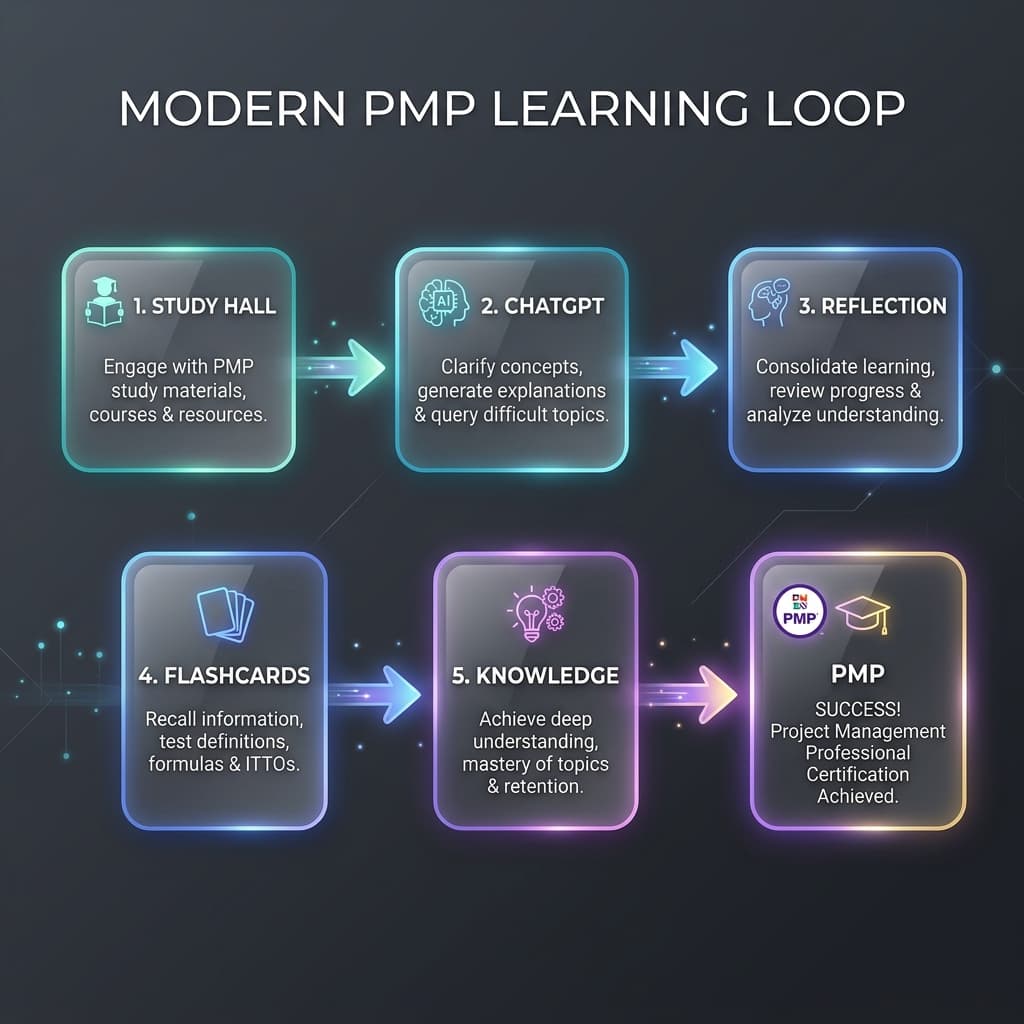
AI Didn't Help Me Pass PMP. It Changed How I Learn
How I shifted from using AI as an answer machine to a cognitive partner, building a robust learning feedback loop for the PMP exam and future knowledge systems.
Notes worth keeping.
Occasional updates about project management, AI, products, travel, and the things I’m building.
No spam — occasional notes only. See our Privacy.