
Why Every PM Should Learn AI Automation
Product management is notorious for coordination overhead. By building lightweight AI automation pipelines, PMs can reclaim focus and build better products.
As a Product Manager, your value is measured by the quality of your decisions and your ability to align teams. Yet, if you audit your calendar, you will likely find that most of your day is spent on coordination overhead: triaging customer feedback, writing detailed user stories, coordinating status updates, cleaning up the Jira backlog, and formatting specs.
We have become the human routers of our organizations. We copy text from Slack, paste it into Jira, summarize it for the engineers, and report it back to the business.
In early 2026, this administrative burden is no longer a necessary evil. With the maturity of LLM APIs and modern automation platforms, it is now possible to build custom AI pipelines that handle these tasks autonomously.
Product Managers who learn how to construct their own AI automations are not just saving time. They are building a better understanding of how AI works, improving developer collaboration, and shifting their energy back to deep product strategy.
The Manual Overhead of Product Management
To understand the leverage of AI automation, let's look at a common scenario: processing user feedback. Suppose your application receives 200 feedback submissions a day via App Store reviews, customer support tickets, and direct feedback surveys.
Ideally, a PM should read every piece of feedback, group them into feature buckets, prioritize them, and link them to existing tickets. In reality, here is what happens:
[User Feedback] --> [Slack Channel]
                          |
                   (PM is busy)
                          |
                          v
         [Forgotten / Unresolved Feedback]
Because PMs are busy, the feedback is either ignored, or only a few loud customer complaints get prioritized. The team loses valuable user signals, and product decisions are made based on intuition rather than structured data.
This is a classic routing and processing bottleneck. It does not require human creativity, but it does require semantic understanding. This makes it a perfect candidate for AI automation.
Building a Feedback Triage Pipeline
Instead of waiting for an engineer to build a feedback analyzer, a PM can build one in an afternoon using tool integrations or basic scripts.
Here is how a typical feedback triage pipeline works:
- Trigger: A new feedback entry is received via an API webhook (e.g. Typeform or Support API).
- Analysis: The raw feedback is sent to an LLM endpoint with a structured schema request. The model categorizes the feedback, extracts the user's emotional tone, and summarizes the core problem.
- Routing:
- If the category is a Bug, the pipeline creates a Jira ticket automatically and sends a notification to the engineering team's Slack channel.
- If the category is a Feature Request, the entry is appended to a Notion roadmap database, linked to the corresponding product area.
- If the sentiment is Angry, the customer success manager is notified immediately.
Let's look at how simple it is to write the analysis logic in Python. Using a structured script, we can parse feedback text and route it:
import os
import json
from openai import OpenAI
from pydantic import BaseModel, Field

# 1. Define the structure of our categorized feedback
class FeedbackAnalysis(BaseModel):
    category: str = Field(description="One of: bug, UI_improvement, billing, feature_request, general")
    summary: str = Field(description="A concise one-sentence summary of the user's problem in English")
    sentiment: str = Field(description="One of: positive, neutral, frustrated, angry")
    affected_feature: str = Field(description="The name of the feature or product area mentioned (e.g., checkout, login)")

# Initialize the OpenAI client
client = OpenAI(api_key=os.environ.get("OPENAI_API_KEY"))

def analyze_user_feedback(feedback_text: str) -> FeedbackAnalysis:
    # Query the model using structured outputs
    response = client.beta.chat.completions.parse(
        model="gpt-4o-mini",
        messages=[
            {"role": "system", "content": "You are a customer feedback analyzer for a SaaS product."},
            {"role": "user", "content": feedback_text}
        ],
        response_format=FeedbackAnalysis
    )

    return response.choices[0].message.parsed

# Example usage
sample_feedback = "I tried to upgrade my plan using my credit card, but the checkout form kept throwing a validation error on the zip code field. Extremely annoying."
analysis = analyze_user_feedback(sample_feedback)

print(json.dumps(analysis.dict(), indent=2))
# Output:
# {
#   "category": "bug",
#   "summary": "Checkout form fails card validation due to zip code field validation error.",
#   "sentiment": "frustrated",
#   "affected_feature": "checkout"
# }
By running this script in a simple serverless function or automation tool, you have built a custom customer routing system. You no longer spend hours triaging reviews; instead, you review a clean, structured dashboard of user feedback trends once a week.
Actionable Automation Opportunities for PMs
If you want to introduce AI automation into your product management workflow, start with these three areas:
- Specs-to-Tasks Generation: When you finish writing a Product Requirement Document (PRD), pass it to a custom script that parses the requirements and drafts the corresponding Jira epic and developer stories, matching your team's specific ticket templates.
- Release Notes Generator: Connect your Git repository releases to your team's project database. Every time a build goes to production, use an LLM to generate customer-friendly release drafts and internal Slack announcements based on the commit messages and PR titles.
- Continuous Competitor Monitoring: Set up RSS feed triggers for competitor blogs and product launches. Use an LLM to summarize their weekly updates, categorize their focus areas, and highlight any potential impact on your product roadmap.
Future Outlook: The "AI-Native" Product Manager
In the future, product management will split into two paths.
PMs who rely on traditional, manual coordination will be overwhelmed by the sheer volume of execution loops. Because AI makes engineering code generation incredibly fast, the speed of shipping features will increase. If shipping speed increases, the amount of feedback, data metrics, and coordination required will explode.
PMs who do not automate their tasks will become the primary bottleneck of their development teams.
Conversely, "AI-native" PMs will run continuous automation loops. They will use specialized agents to handle backlog grooming, ticket drafting, and customer triage. By delegating the execution details to automated systems, they can focus entirely on customer empathy, vision, and product positioning.
Internal Links
- To see how structured state machines replace unstable prompt scripts, read The End of Prompt Engineering?.
- For advice on integrating databases and filesystems directly into your tools, review MCP Will Become the USB-C of AI Applications.
- To see how developers are building software faster in terminal environments, check out Claude Code vs Cursor: A Builder's Deep Dive.
External References
- Explore developer tools and API integration standards on the Microsoft Developer Blog.
- Read about agile processes and backlog automation patterns on the Project Management Institute (PMI) Library.
- Review automation workflows using serverless tools on GitHub Resources.
What changed my perspective
For a long time, I took pride in being a "hands-on" PM who wrote immaculate Jira tickets and spent hours organizing our documentation databases. I thought my value lay in the detail and completeness of my specifications.
Then, during a high-pressure launch, I fell behind. I had no time to write the detailed specifications for our upcoming sprint, and the engineering team was blocked. In a panic, I spent three hours building a basic automation script that parsed our roadmap database and drafted Jira stories based on our PRD templates.
When I looked at the drafted stories, they were 90% as good as the ones I spent hours writing manually. The engineers didn't care about the minor differences; they were just happy to have clear, structured tasks on time.
That was the day I realized that my value as a PM was never in the writing of the tickets; it was in the alignment of the goal. Automating my administrative work didn't make me less involved; it freed up my time to talk to customers and developers directly. I stopped formatting tickets and started building pipelines.
Revision History
Made the case for PMs learning lightweight AI automation.
- •Published PM automation argument
Knowledge Relationships
Referenced By
These articles mention this article
Idea Evolution
Ask DailySay
Related Posts


Continue Reading
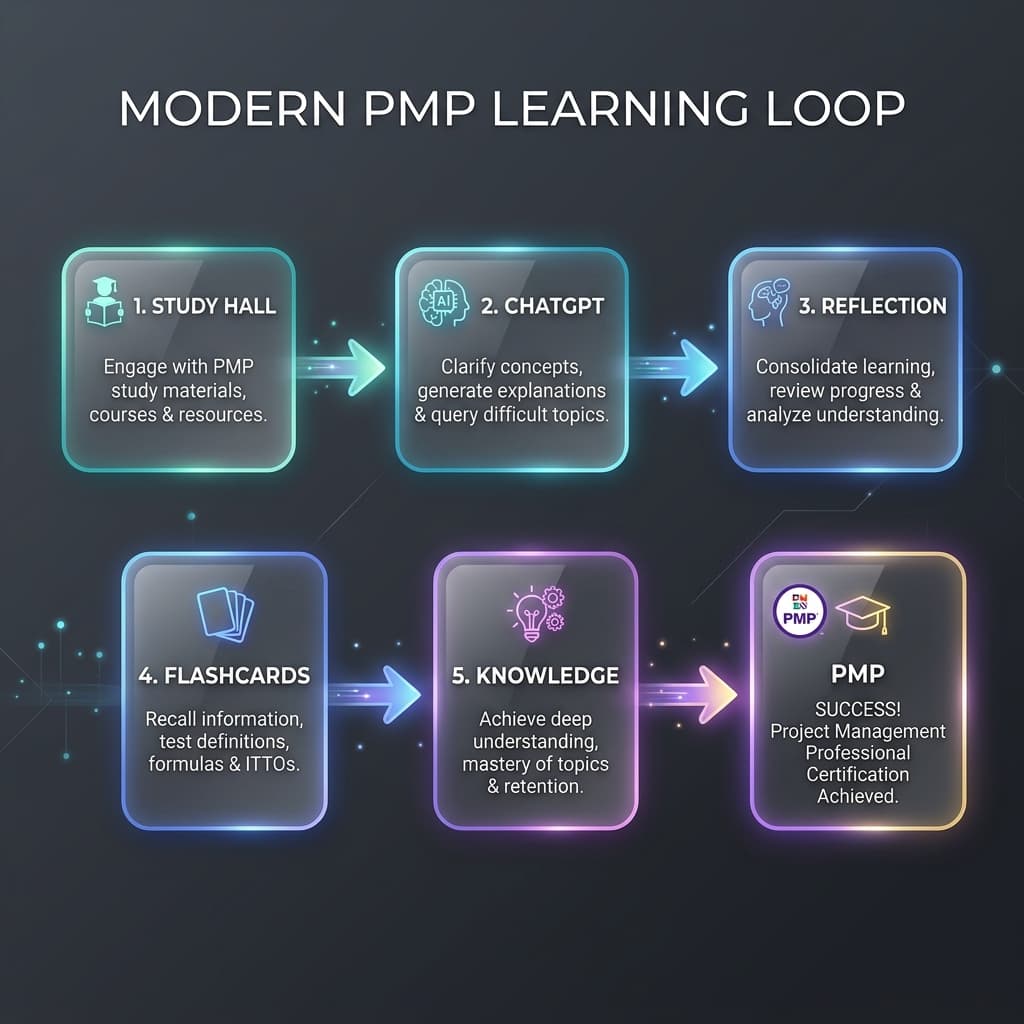
AI Didn't Help Me Pass PMP. It Changed How I Learn
How I shifted from using AI as an answer machine to a cognitive partner, building a robust learning feedback loop for the PMP exam and future knowledge systems.
Notes worth keeping.
Occasional updates about project management, AI, products, travel, and the things I’m building.
No spam — occasional notes only. See our Privacy.